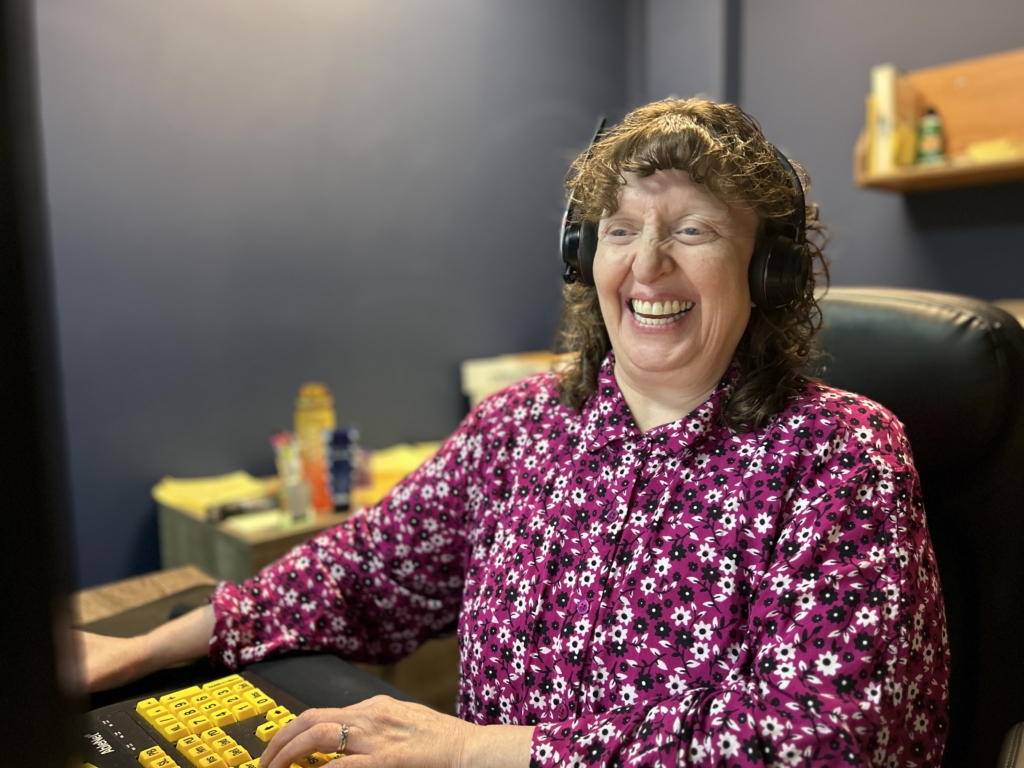

Pathways to Disability Empowerment webinar featuring Mac VoiceOver employment training
Discover How Mac VoiceOver Can Help You Search for Jobs and Succeed at Work
The Lighthouse for the Blind, Inc. invites you to the next installment of our Pathways to Disability Empowerment monthly career webinar series.
This free webinar is designed for job seekers who are blind, low vision, DeafBlind, or are blind with other disabilities who want to learn how Apple’s Mac and VoiceOver accessibility features can support a successful job search and workplace productivity.
As more people choose the Mac as their primary computer, Apple’s built-in VoiceOver screen reader has become an increasingly powerful and affordable accessibility solution. Unlike many other platforms, Mac users can begin using VoiceOver immediately without purchasing separate assistive software. For individuals already familiar with the iPhone, many VoiceOver gestures and navigation techniques feel familiar, making the transition to a Mac even easier.
What You’ll Learn
During this interactive webinar, you’ll discover how Mac VoiceOver can help you:
- Navigate websites and online job applications
- Search and apply for employment opportunities
- Read digital documents and online content
- Create and edit professional documents
- Analyze data and work more efficiently
- Use the latest accessibility features available on macOS
- Build confidence using Mac technology in today’s workplace
Whether you’re exploring employment for the first time, changing careers, or expanding your technology skills, this webinar will provide practical demonstrations and strategies you can begin using right away.
Meet the Presenter
Dionna Camp serves as Accessibility Manager at The Lighthouse for the Blind, Inc. and has more than 10 years of experience supporting people with disabilities in higher education.
She earned her Master’s degree in Assistive Technology Studies and Human Services from California State University, Northridge (CSUN), and holds certifications in Front-End Engineering, UX Design, and the International Association of Accessibility Professionals (IAAP) Certified Professional in Accessibility Core Competencies (CPACC).
Drawing on her extensive accessibility expertise, Dionna will demonstrate how today’s Mac and VoiceOver features can help people who are blind, low vision, DeafBlind, or blind with other disabilities navigate the digital world with greater independence.
Event Details
Location: Online via Zoom
Cost: Free
Accessibility: American Sign Language (ASL) interpreters will be provided.
Register Today
Register for this free webinar:
https://thelighthousefortheblindinc.zoom.us/webinar/register/WN_nWX4izfiQ2eaeg8kQtu24A
After registering, you will receive a confirmation email containing instructions for joining the webinar.
If you have questions or need assistance registering, please contact WorkforceDevelopment@LHBlind.org.