How Does a Telehealth Appointment Work at the Low Vision Clinic? Dr. Shagas Explains
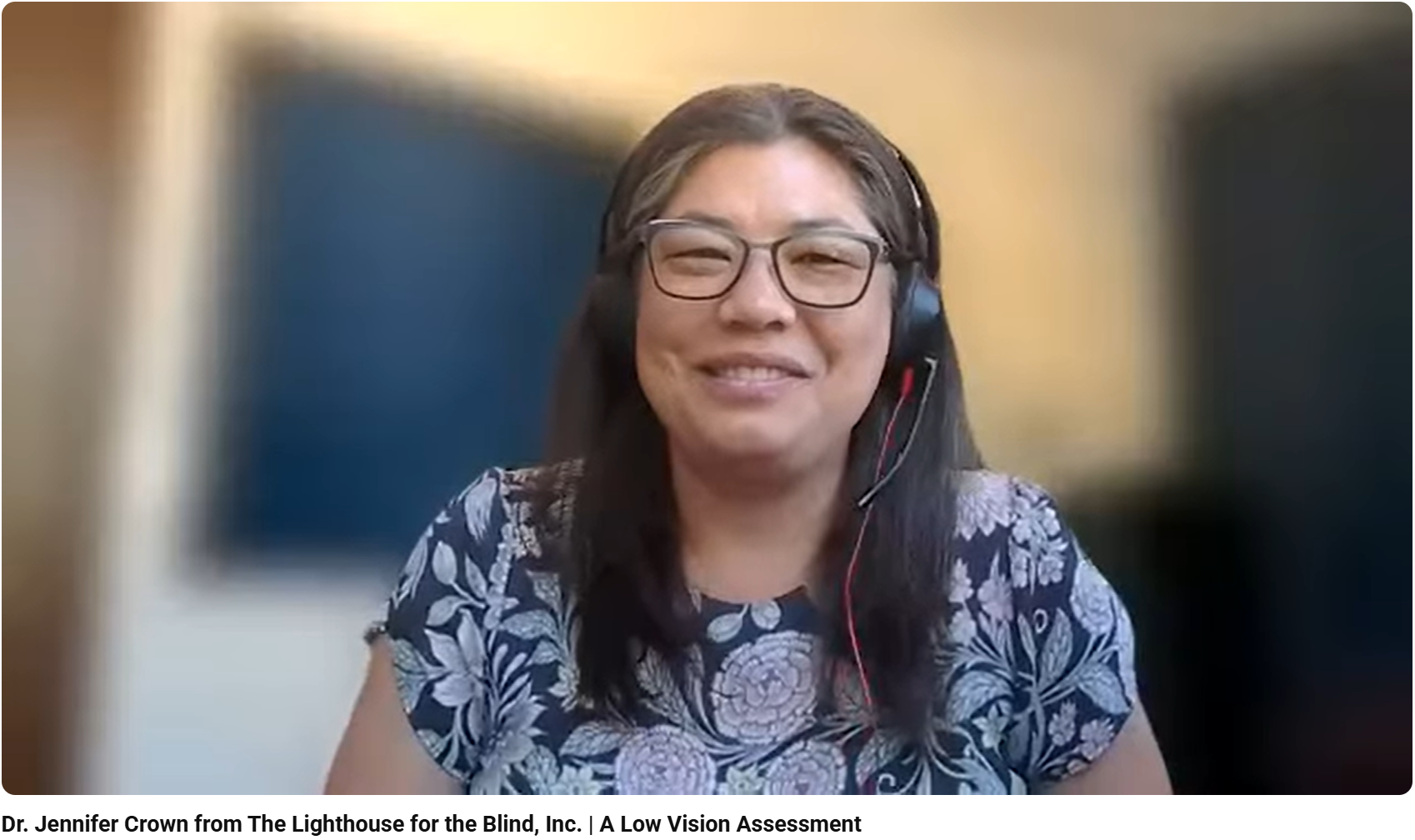
Are you curious what an appointment with Low Vision Optometrist, Dr. Anna Shagas, is like? For those who are interested and may be apprehensive about what a low vision telehealth appointment is like at the Low Vision Clinic – we’ve got you covered! Check out this video where Dr. Shagas goes over a few of the tasks you’ll be asked to do during your telehealth appointment. Along with a doctor’s referral, all you need is an internet connection!
Here’s what to expect at your telehealth appointment at the Low Vision Clinic
The Low Vision Clinic focuses more on the evaluation of functional vision. Unlike a regular eye exam, a telehealth appointment at the Low Vision Clinic focuses on helping patients meet daily living goals. Dr. Shagas explains, “I ask them to tell me about the history of their eye health. What has brought them here to see us? Which goals do they have? What can we do to help? If they were to think about day-to-day life, what is the area that they have most difficulty with? And then we figure out how to approach that and how to meet those goals.”
“What’s nice about patients being in their own homes is that if we’re assessing a goal like reading a book, they can just pull it up and read it there during their appointment. That way I can listen and watch the way that they read. Often, there will be head movement or scanning that I can pick up on,” Dr. Shagas notes.
Next Steps After a Telehealth Appointment
During an appointment, Dr. Shagas will speak with patients about the different devices that may be appropriate to meet their goals. These devices range from handheld magnifiers, to CCTVs, to telescopes and more, and will often be sent to the patient’s home for them to test.
“Often I will send 2-3 different powers because we want to make sure that we get a good assessment for what works best for each patient, because different patients have different needs,” Dr. Shagas mentions.
Low vision care is all about trialing different things.
“Once they have that kit, we meet one more time when they have physical charts in their hands and we’ll work on it together. Then, we’re able to use those tools to figure out what works best.”
Once a patient has determined with devices work best for them in their daily life, they begin the training process with our occupational therapist.
Training is Essential
“When we were talking about forming a clinic. training was one thing that was really important,” shares Dr. Shagas.
“Often, patients come in and share about the tools they have sitting in their drawer because no one has taught them how to use it. It’s really important that we figure out what works best and incorporate training along with it to make sure that patients incorporate it into their lives.”
Once patients feel comfortable with a device, they’re able to start using it in their day to day life.
Privacy Is a Priority
Privacy was our #1 priority when we started thinking about telehealth in general. The current zoom that we use, the platform is called Zoom Healthcare. It is a HIPPA compliant service, so nothing is recorded. The meetings aren’t recorded or stored in the system, and there are extra encryptions that occur, so it is indeed safe when patients sign in for their appointment.
Alternatives to Video Appointments
“Some clients don’t feel comfortable meeting via telehealth,” Dr. Shagas notes. “We want to make sure they’re comfortable. They will have the option, when we reopen, that they can come in to the clinic, but we also have the option of connecting over a telephone call.”
When patients have concerns about reading charts online or about video calls, we are able to send a Telehealth Packet to their homes. A packet will include charts, as well as instructions on what to expect written in large, bold print.
Dr. Shagas explains, “Sometimes patients are more familiar with a telephone call than talking via an online video call, and it still works!”
Want More Information?
For more information about services, call (206) 436-2154 to speak to a representative or visit our Low Vision Services page to fill out a request or referral forms.
You may also be interested in these recent blog posts:
16 Tips for Communicating With People Who Have Vision Loss
99-Year-Old Uses Zoom to Meet With Doctor
6 free and low-cost ways to make your workplace accessible for someone who is blind or low vision